Work Registration: Click on Client Portal to Login or sign up

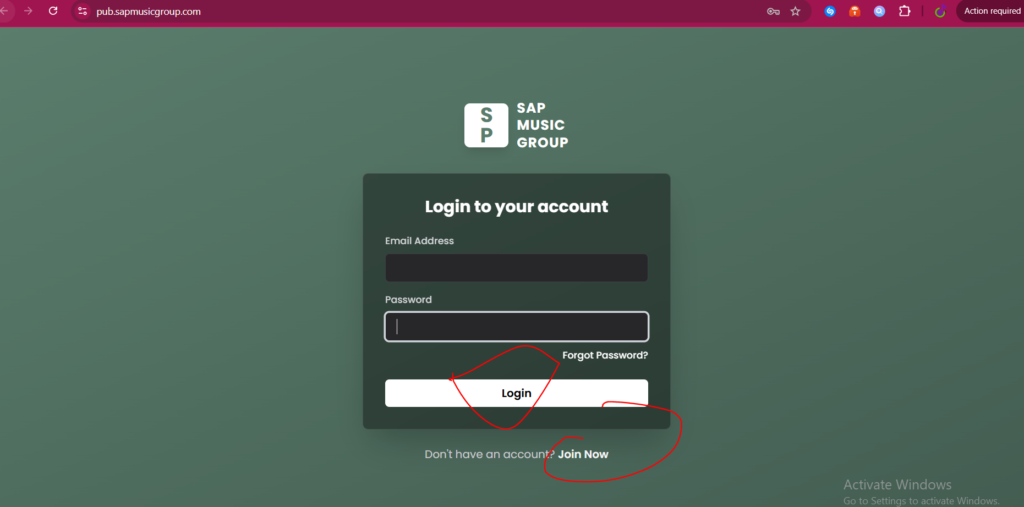
After you sign up, if you don’t receive the email immediately, kindly check your spam or junk folder. If you already have an account, please log in.
After you Login:
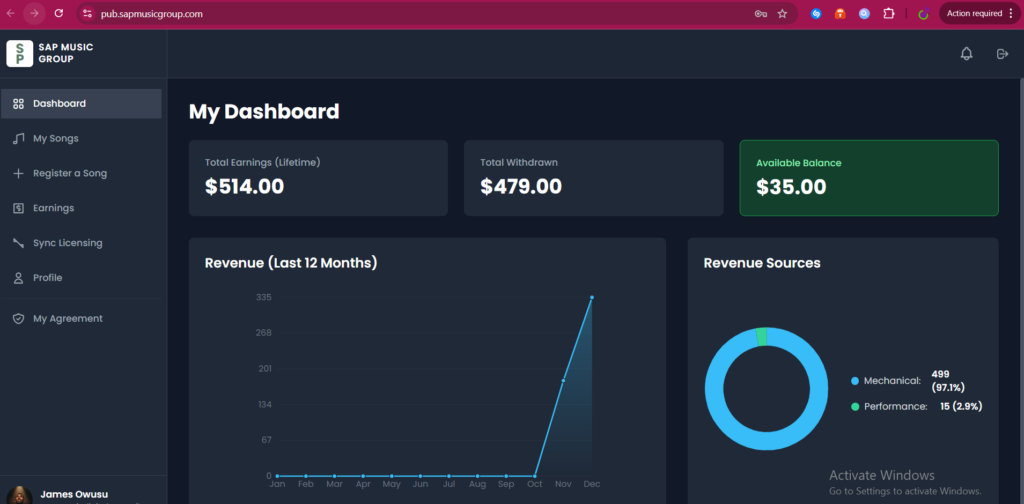
Click on Register a Song
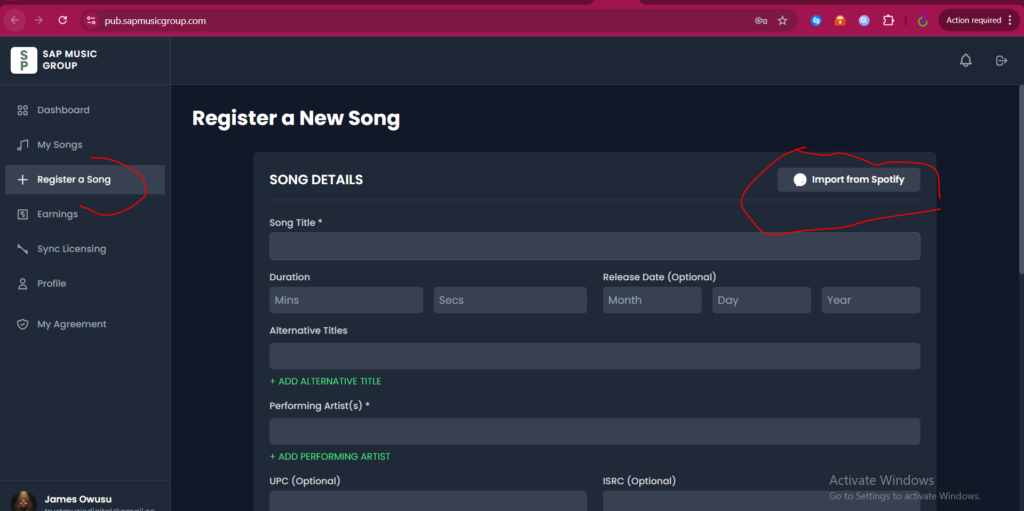
Search your Artist Name on Spotify:
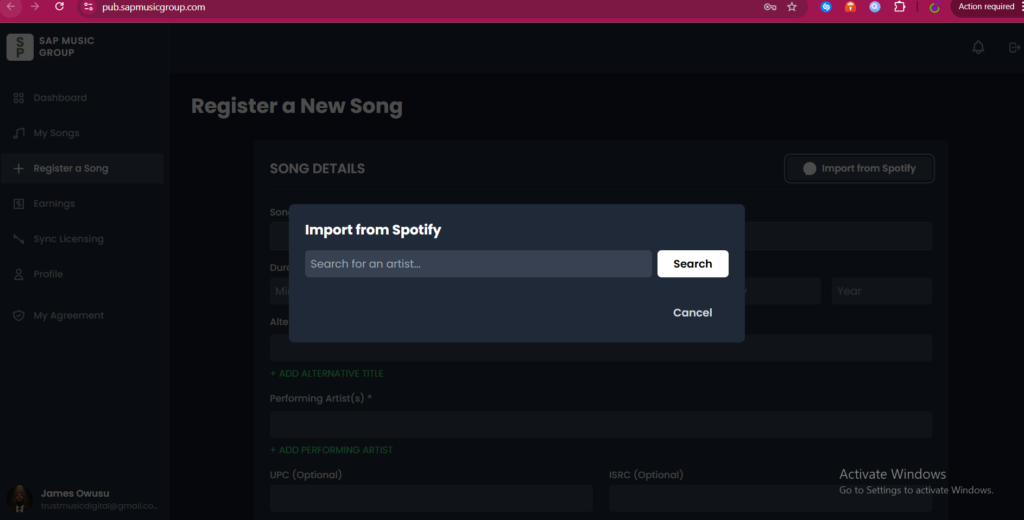
After the Search, select the right artist:
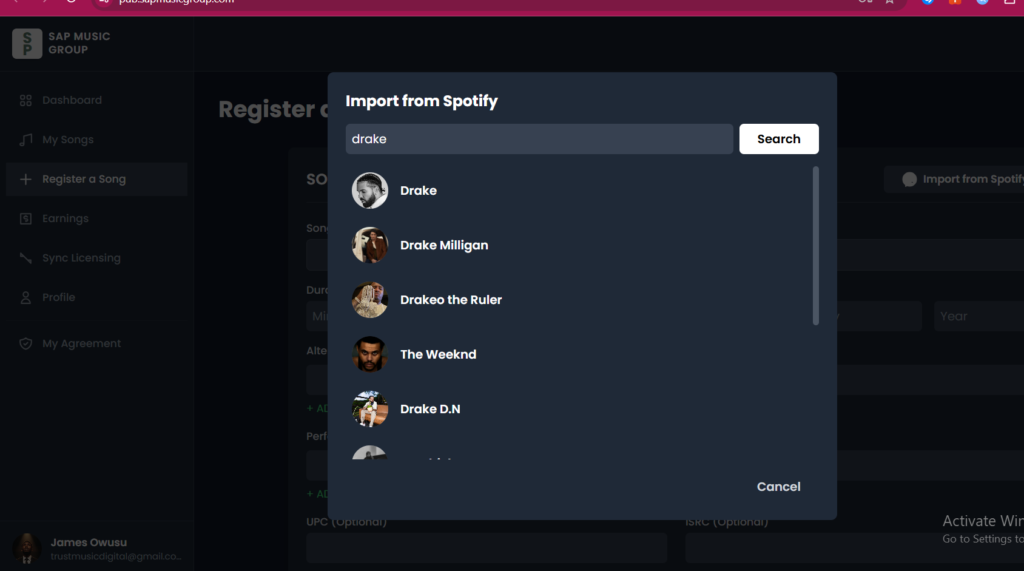
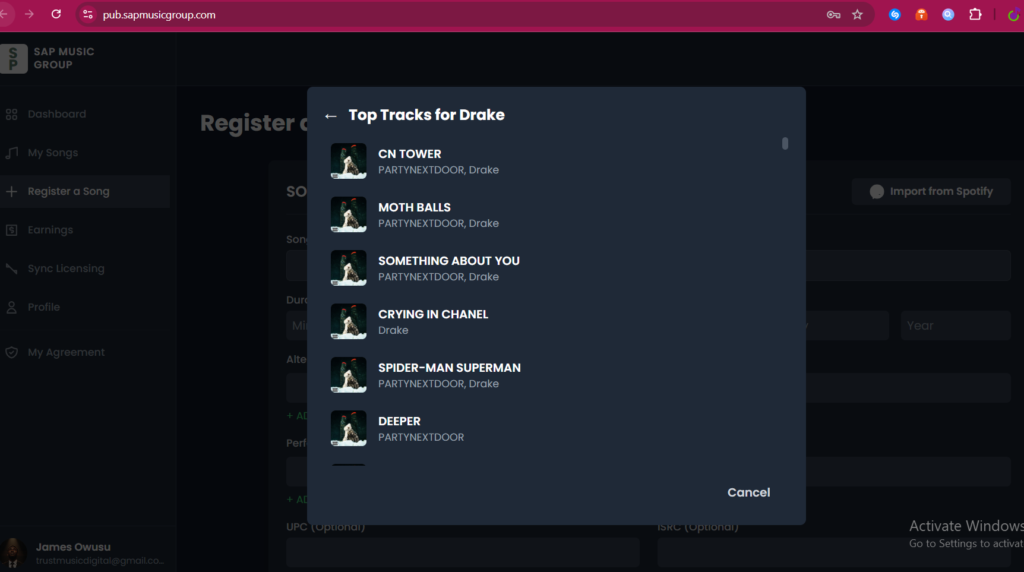
All songs from the artist will appear choose the one you want to register
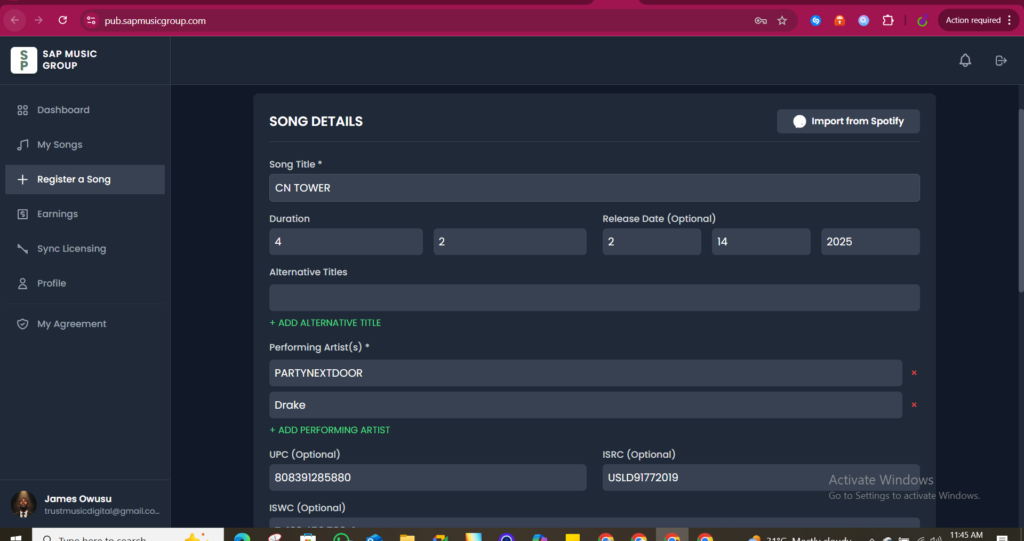
By clicking on it, it will fill in all the necessary details needed, UPC, ISRC, duration, artist name, title, etc.
Lastly, add your writer by selecting the existing writer you have saved under your profile
Choose the writer and split, and submit your work
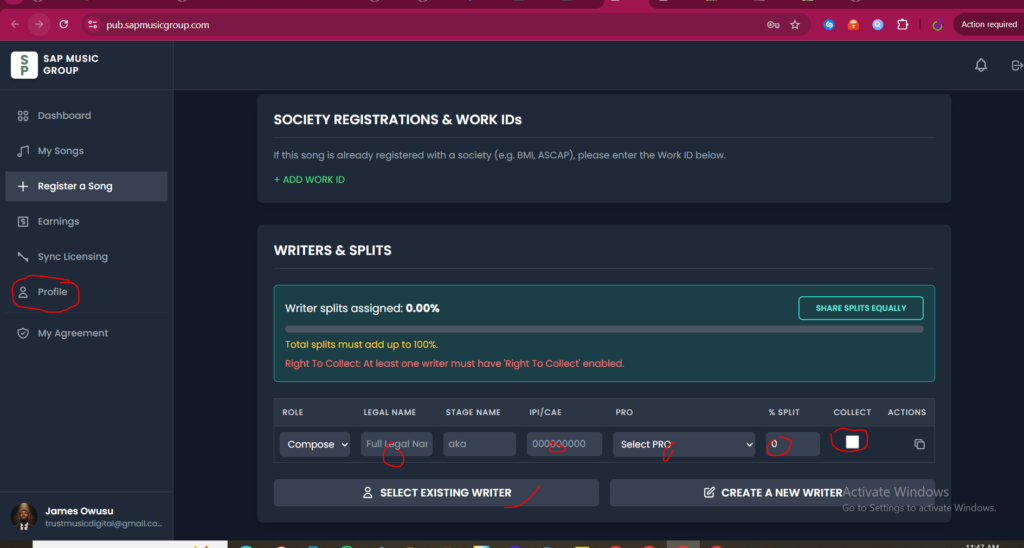
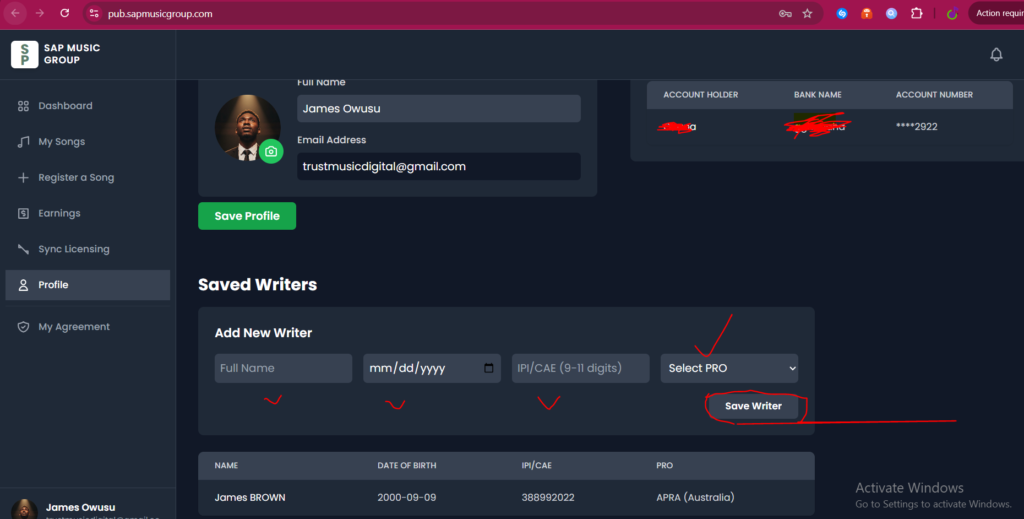
This is how to add your writer and get it saved in under your profile
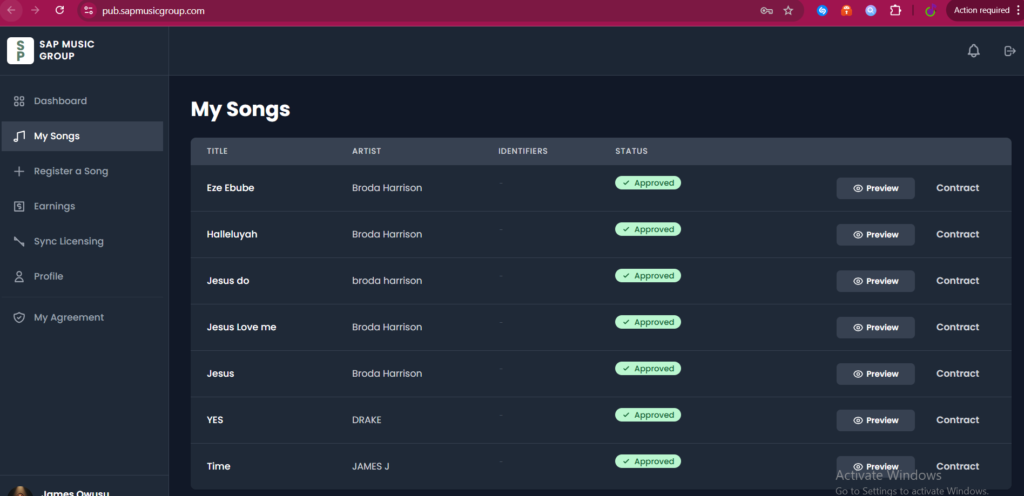
You can preview your submission
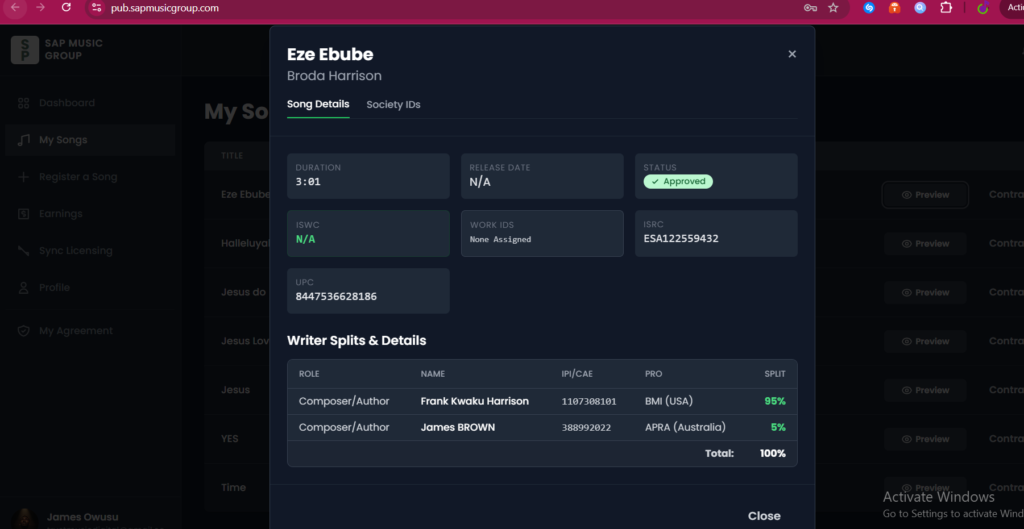
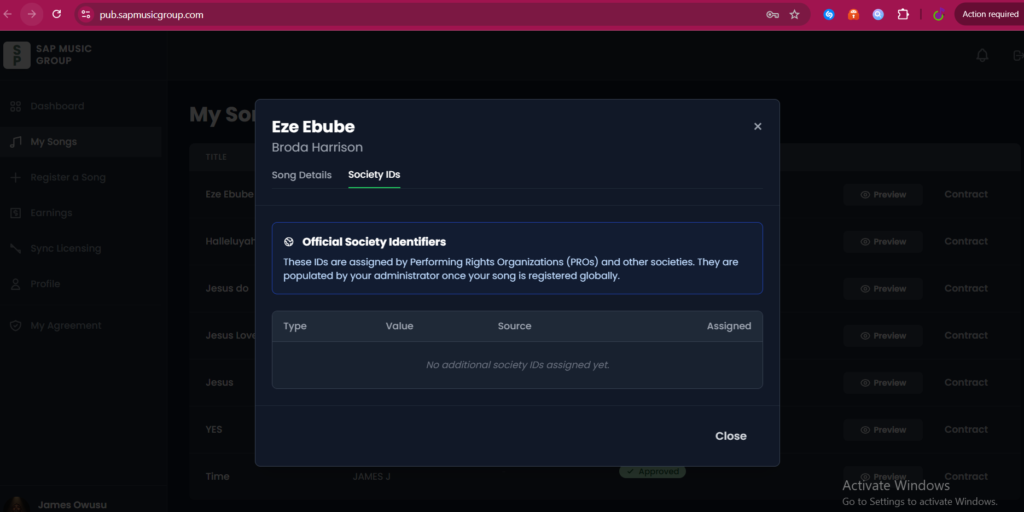
ISWC and Work ID will be added by your society, and you will see it immediately is done
That’s the full Guide on registration
If you need assistance on how to register a Performing Rights Organization (PRO) in BMI, ASCAP, GEMA, SOCAN, SACEM, IMRO, ETC. Email: fh@sapmusicgroup.com or Whatsapp +971503653915